Can this camera support time-lapse function?
Does the camera work with Reolink IoT devices (Reolink Floodlight, etc.)? How can they be linked?
Yes, the camera works with Reolink IoT devices, including Reolink Floodlight PoE/WiFi. The specific functions supported depend on the camera.
When Reolink Floodlight is linked to a camera, the floodlight and the built-in siren will be triggered once the camera detects an event.
Click here to see how to link the camera to Reolink Floodlight.Is a subscription fee required for Reolink PoE cameras?
No, Reolink PoE cameras work well on their own without subscription fees. You can make full use of the person/vehicle/pet detection, local storage, and other functions for free!
Does the camera work with my Reolink PoE NVR?
If you want to buy a new one: the currently on-sale NVRs work with all PoE and plug-in WiFi cameras.
If you already have one:
Please first refer to
this article for its hardware version.
For the NVR with the hardware N7MB01, N6MB01, or N5MB01, it works with all PoE and plug-in WiFi cameras.
For the NVR with the hardware N2MB02, N3MB01, or H3MB18, it works with all PoE and plug-in WiFi cameras. But you can not have a full-resolution live view of the following cameras: RLC-1212A, RLC-1224A, Reolink Duo 2 PoE, Reolink Duo 2 WiFi, Reolink Duo Floodlight WiFi, Reolink Duo Floodlight PoE.
For the NVR with the rest hardwares such as H3MB17, H3MB02, and H3MB16, please refer to
Introduction to Hardware Versions of Reolink NVRs for more detailed information.
Can this camera support smart home like Google Assistant?
Can I use this camera with Synology?
Yes, this PoE IP camera can work with Synology. There are 2 methods for you to save videos in it.
Method 1 (recommended): You can add this camera to the Synology Surveillance Station. Check
this article to learn how to add a camera.
Method 2: You can treat your Synology device as an FTP server. For detailed steps, check
How to Set up FTP for Reolink Products.
What Ethernet cable do I need?
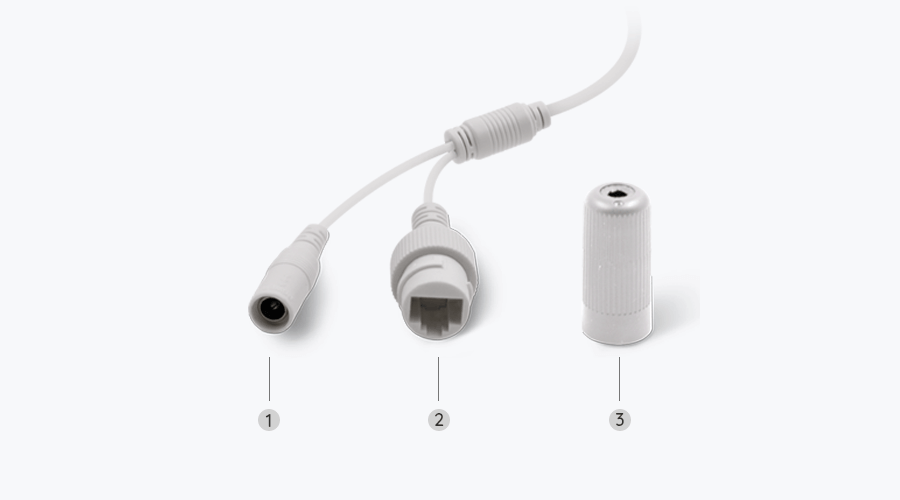
The camera supports T-568B connectors and 8-PIN Ethernet cables of CAT5 or higher.
What kind of microSD card can I use?
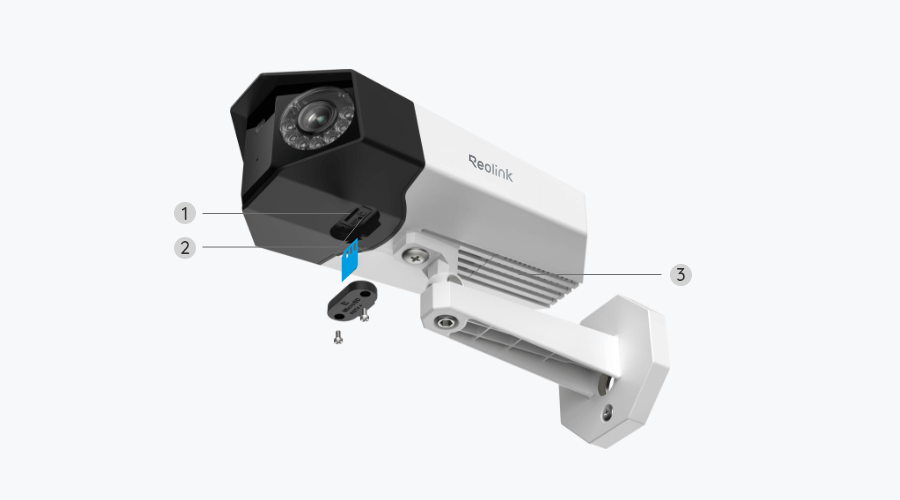
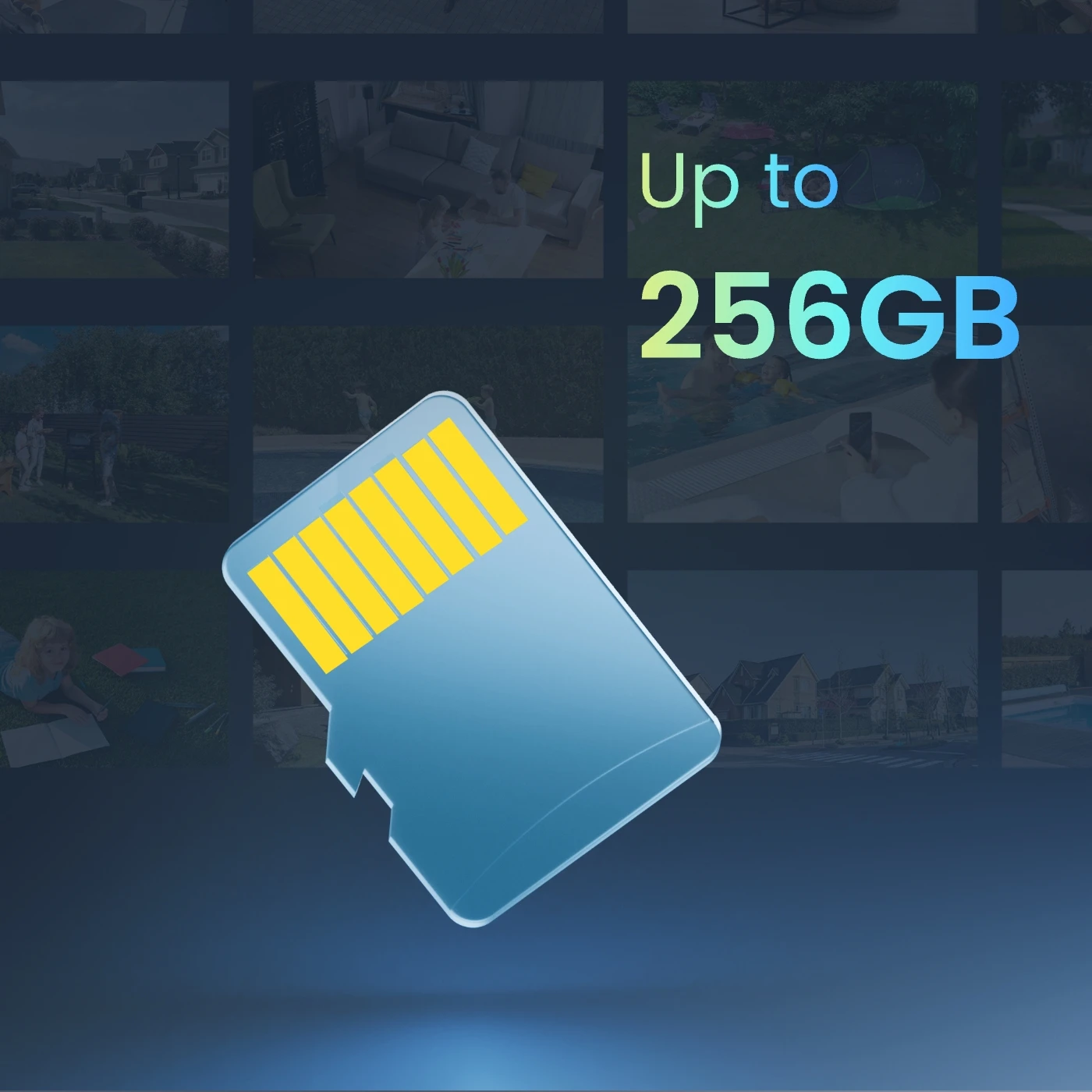
This camera supports up to 256GB microSD cards with FAT32 format and Class 10 read & write speed.
Which NVR can work with the camera?
The camera can work with NVRs with the Hw_H3MB18, Hw_N3MB01, Hw_N2MB02, Hw_N5MB01, Hw_N6MB01 and Hw_N7MB01 hardware.
For the NVR with the Hw_H3MB18, Hw_N3MB01, and Hw_N2MB02 hardware, you need to
upgrade the NVR's firmware to the latest version for video displaying. In such case, the camera can only support up to 6MP video resolution.
For the NVR with the Hw_N5MB01, Hw_N6MB01 and Hw_N7MB01 hardware, the camera's maximum video resolution can be 8MP.
If you want to buy a new compatible NVR, you can check its hardware version on its Specs page before placing the order.
Where are the recordings stored? Is NVR a must?
The camera can work without an NVR.
1. When it works without an NVR, the recordings can be saved to the microSD card (purchased separately);
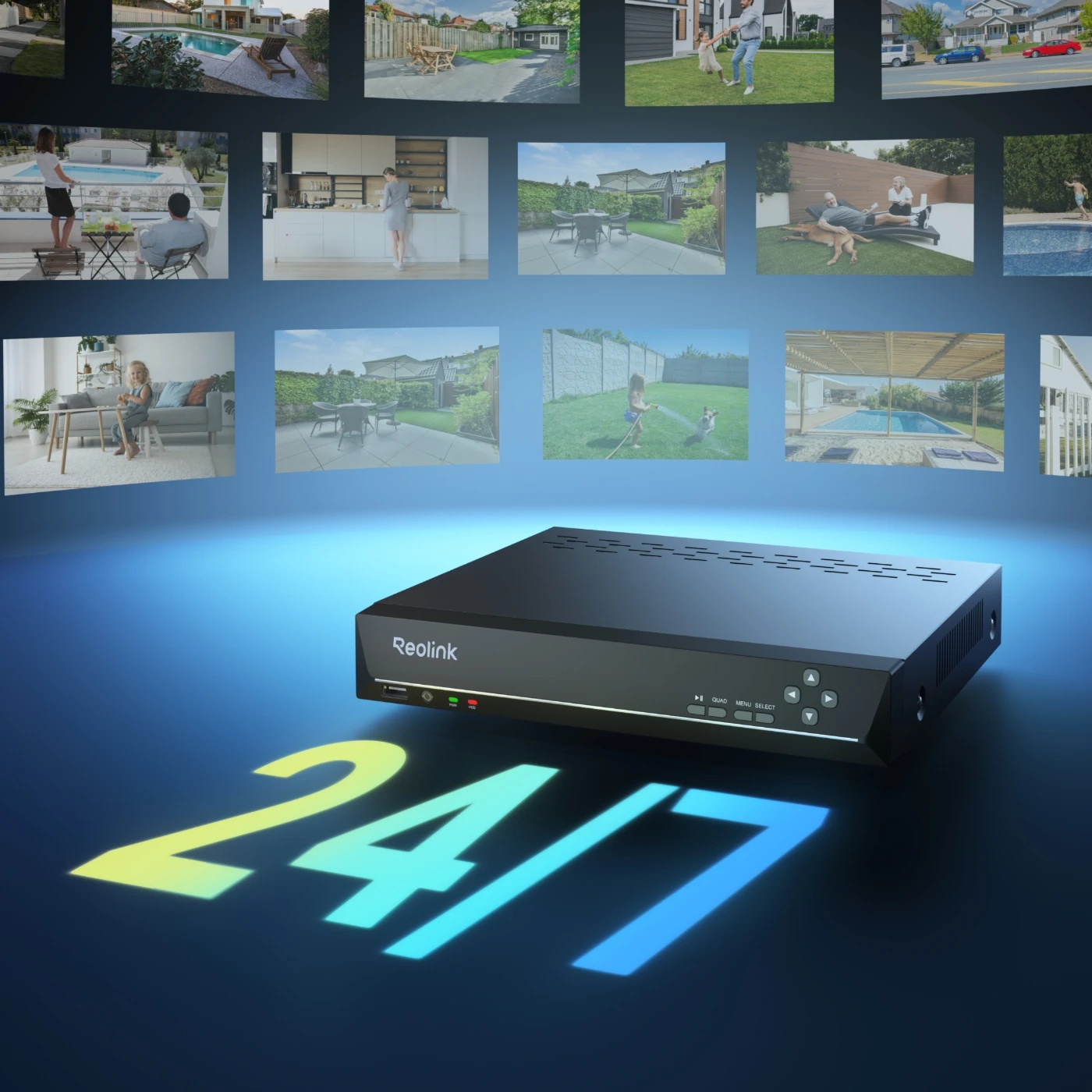
2. When it works with an NVR, the recordings can be saved to the NVR, and the transmission will use one NVR channel.
Note: For best compatibility, do not use the camera with third-party NVRs.
How can I power up this camera?
There are two methods:
Method 1. Via an Ethernet cable, connect this camera to a PoE NVR, PoE injector, PoE switch, or directly to a router with a PoE port, for both power supply and video signal transmission.
Note: Please make sure that the PoE injector/switch is 802.3af compliant (48V) and supports active mode.
Method 2.Via a DC 12V 2A power adapter (purchased separately) for power supply only.
Can this camera be used outdoors/indoors?
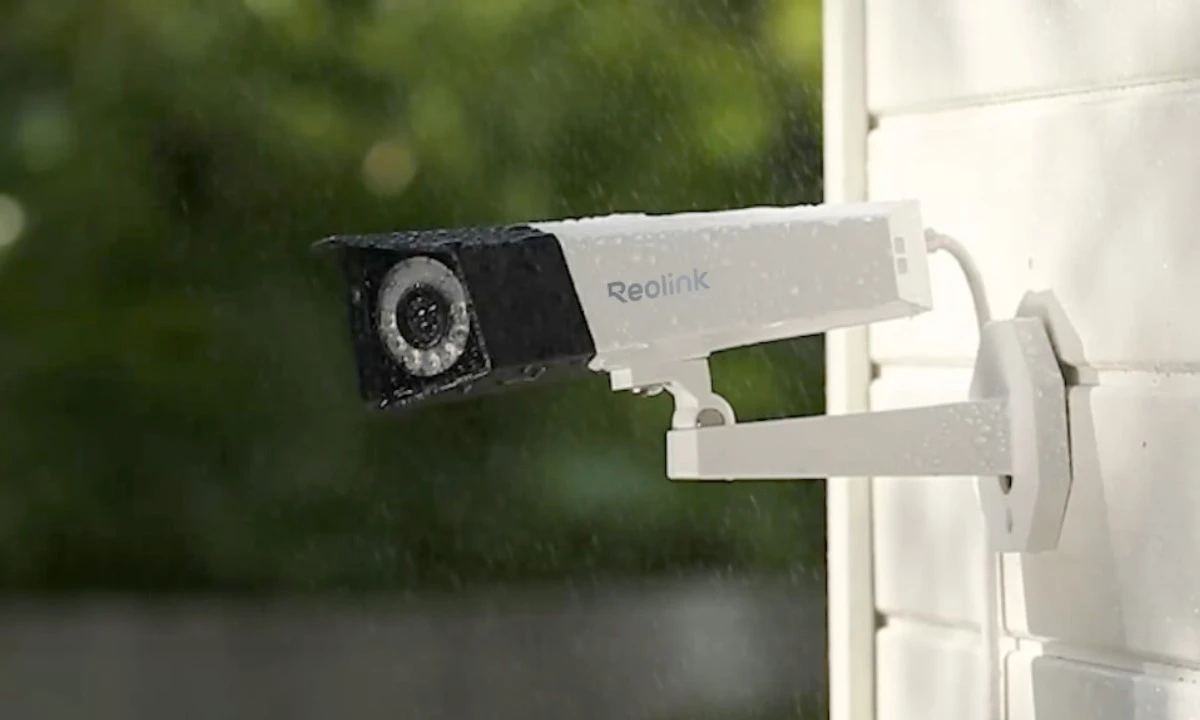
This camera can be used both indoors and outdoors.
It is IP67 certified weatherproof and its operating temperature is from -10°C to 55°C (14°F to 131°F), perfect for outdoor and indoor usage.
How do I use live view and playback?
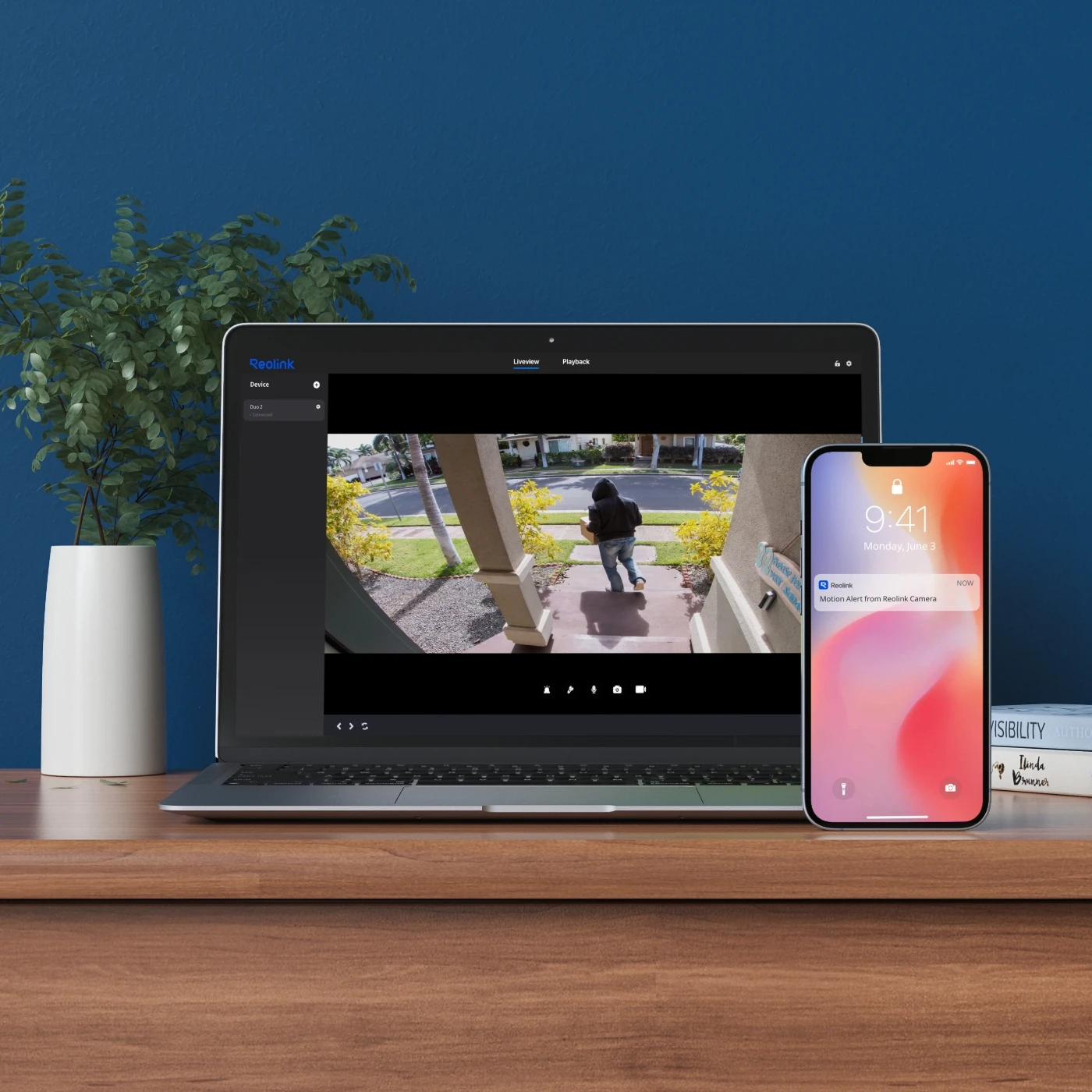
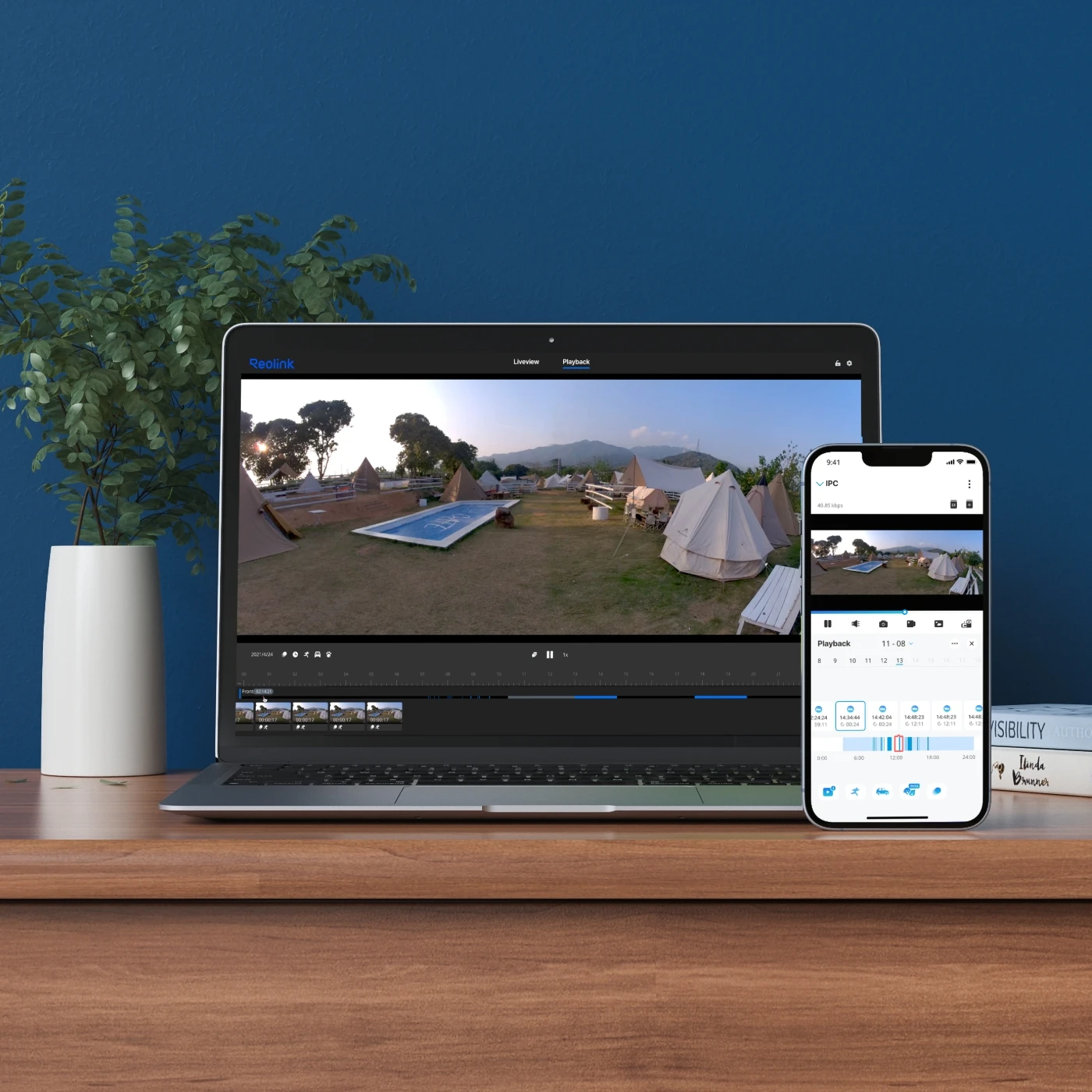
You can add and set up the camera on Reolink APP/Client. Then click the camera to check the live view and playback of it from anywhere, at any time.
Reolink APP/Client is free of charge and the service is free of subscription.
Please note that when using live view or playback on Reolink NVR, you may be prompted to switch the preview resolution, and following the prompt is recommended to avoid potential impact on performance.
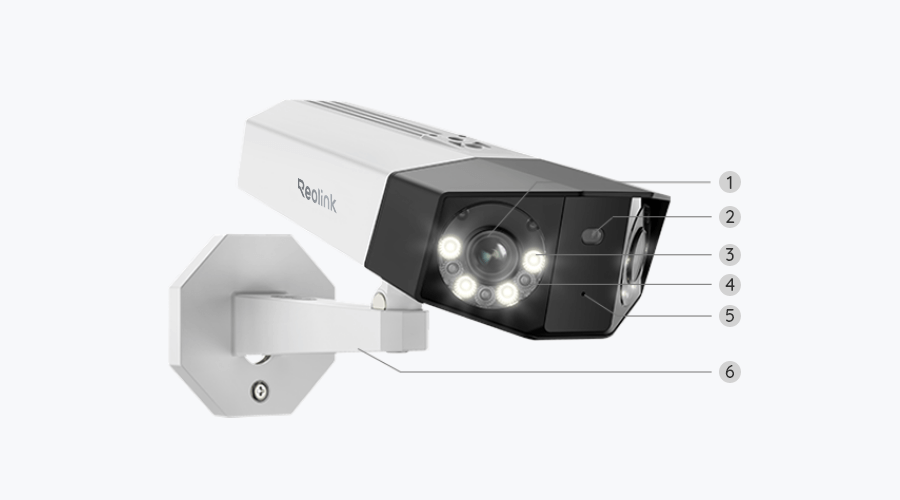
Can I turn off the spotlights and siren?
Yes, you can turn off the spotlights and siren manually.
By default, the camera's spotlights and siren are motion activated: they will be turned on automatically when a motion is detected. You can turn them off, adjust the brightness of spotlights, or customize the siren to your liking.
Please note that with the spotlights on you can enjoy clear color night vision, but if the spotlights are turned off, you will only see black and white images at night.
Does the camera support two-way audio?
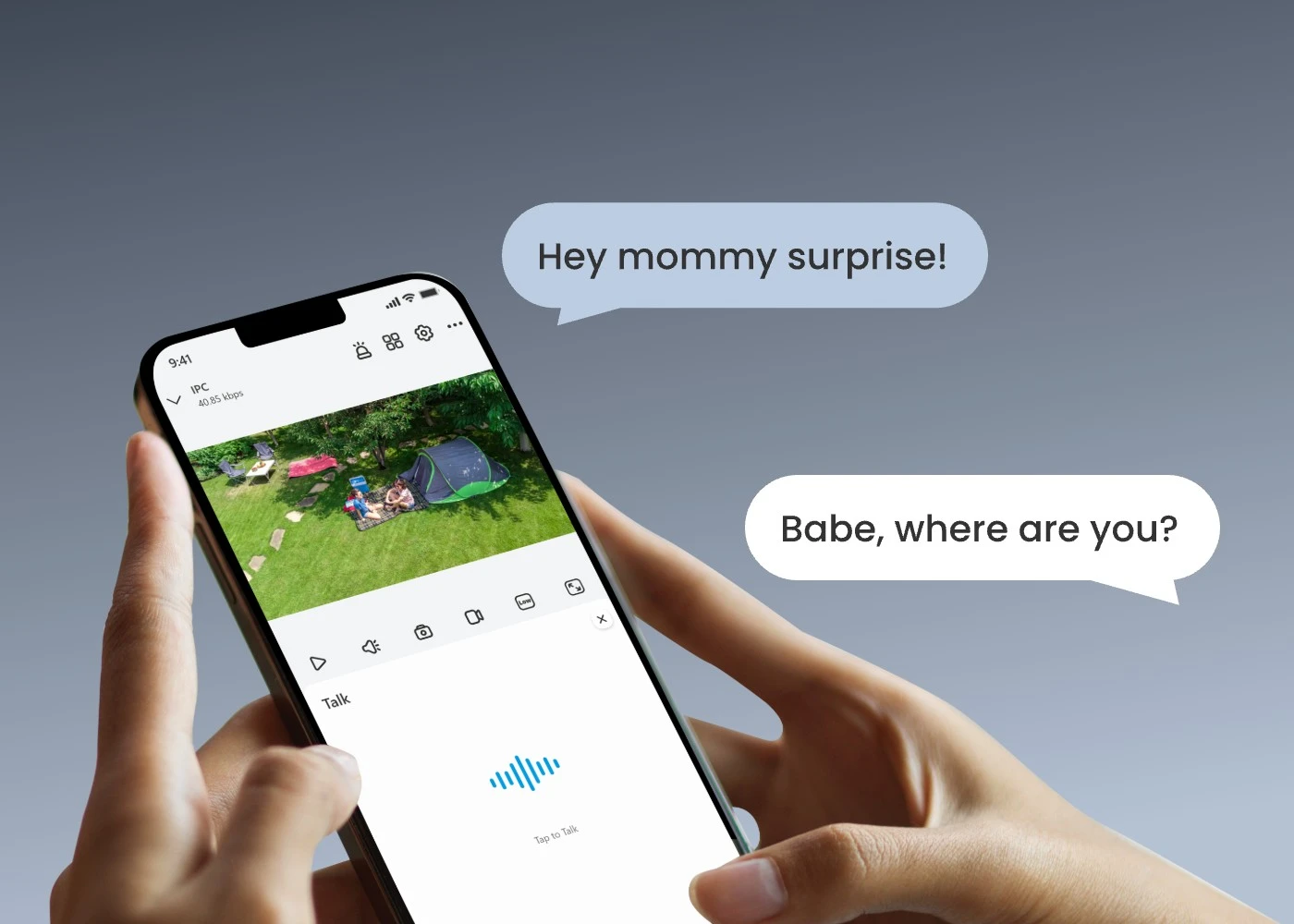
Yes, the camera supports two-way audio via its built-in mic and speaker. You can not only capture videos with audio recorded but also have real-time communication with people on the camera's end through Reolink App or Client.
Does my camera support person/vehicle/animal detection?
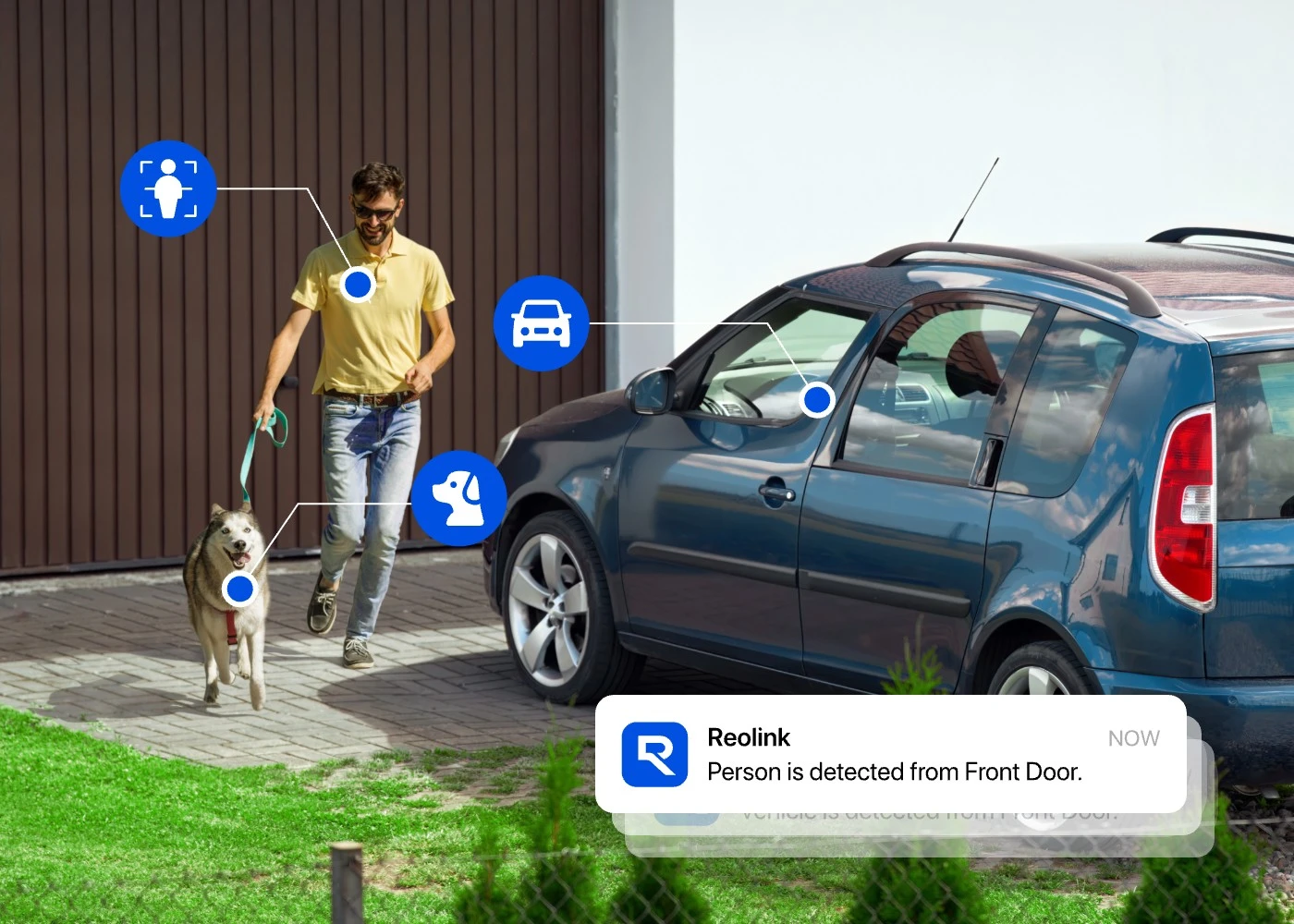
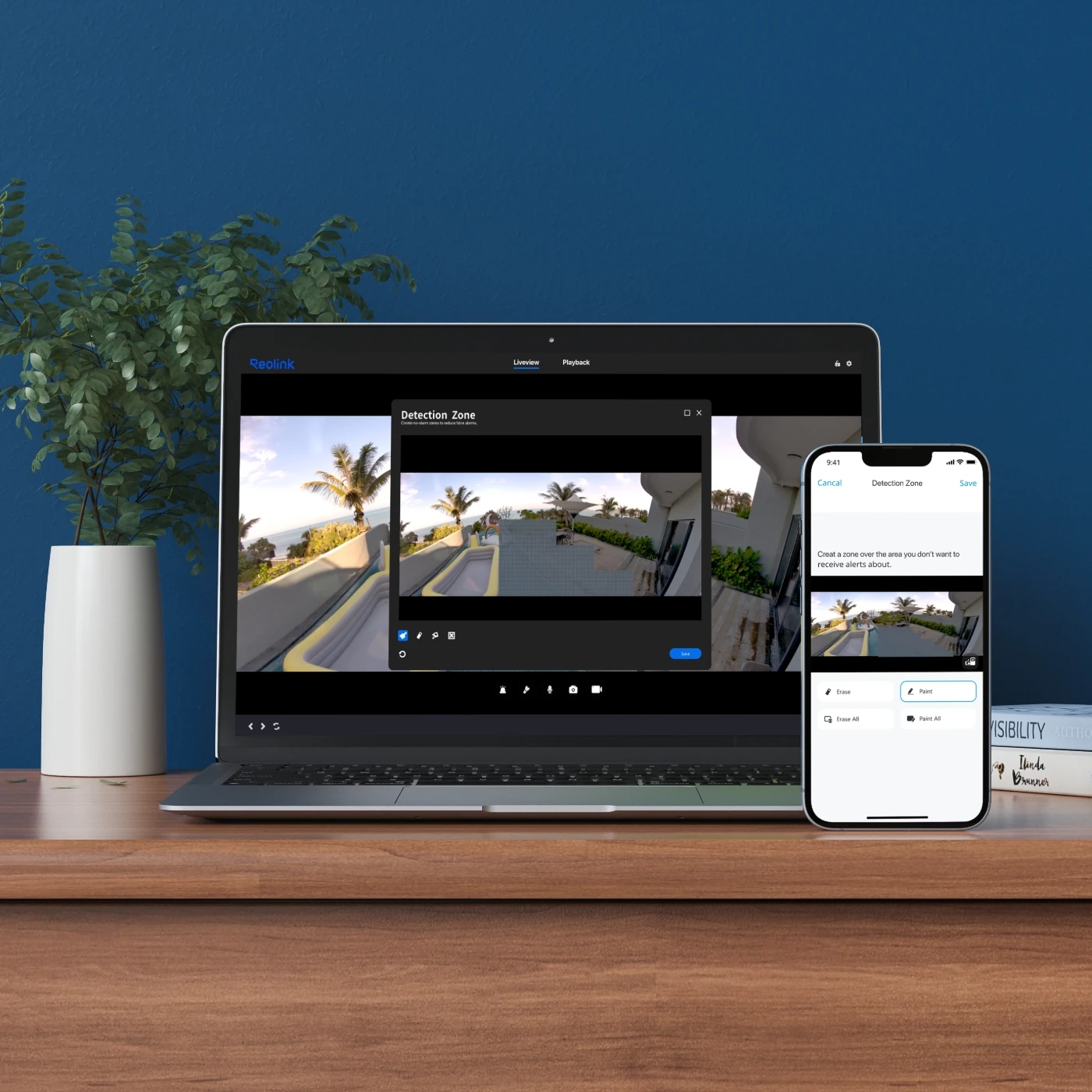
Yes, this camera supports person/vehicle/animal detection.
What are the advantages of the dual-lens camera?
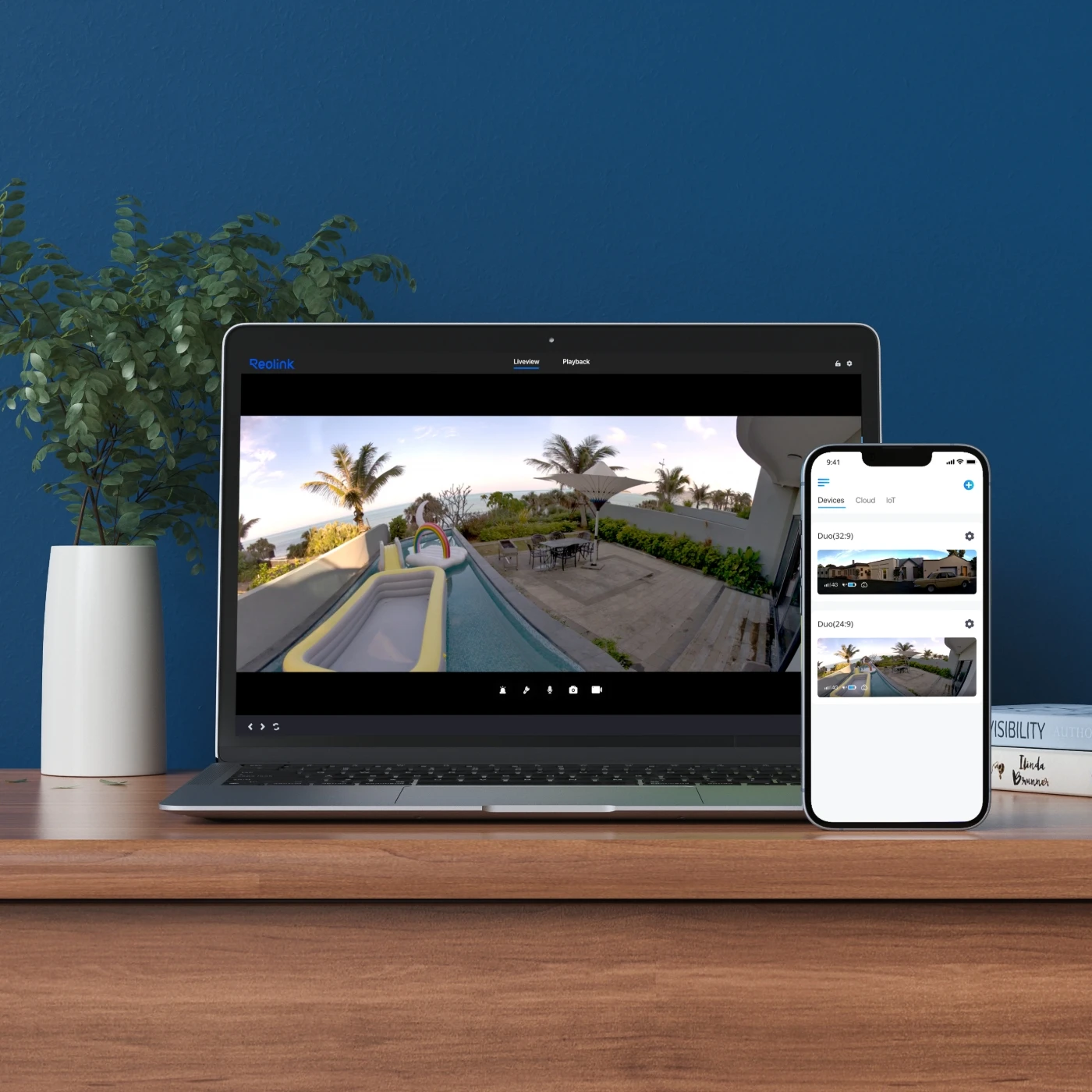
This dual-lens camera is equipped with two lenses that capture views in 4K UHD from a 180° ultra-wide angle. You don’t need two or more single-lens cameras to monitor a large area. Instead, with only one dual-lens camera you can save installation time and enjoy much broader images with lower distortion. Images from the dual lens are seamlessly merged into one frame both in live view and playback.
Why can't I connect it to 3rd party softwares?
The RTSP and other ports may be disabled by default. You can launch Reolink Client, then go to Device Settings >> Network >> Advanced >> Port Settings to make sure all ports are enabled before using 3rd party softwares.
Fungerer kameraet med min Reolink PoE NVR?
Hvis du ønsker å kjøpe en ny: de NVR-ene som for øyeblikket er til salgs, fungerer med alle PoE- og plug-in WiFi-kameraer.
Hvis du allerede har en:
Vennligst referer først til
denne artikkelen for maskinvareversjonen.
For NVR-en med maskinvare N7MB01, N6MB01 eller N5MB01, fungerer den med alle PoE- og plug-in WiFi-kameraer.
For NVR-en med maskinvare N2MB02, N3MB01 eller H3MB18, fungerer den med alle PoE- og plug-in WiFi-kameraer. Men du kan ikke ha en fulloppløsnings sanntidsvisning av følgende kameraer: RLC-1212A, RLC-1224A, Reolink Duo 2 PoE, Reolink Duo 2 WiFi, Reolink Duo Floodlight WiFi, Reolink Duo Floodlight PoE.
For NVR-er med annen maskinvare som H3MB17, H3MB02 og H3MB16, vennligst referer til
Introduksjon til maskinvareversjoner av Reolink NVR-er for mer detaljert informasjon.
Er det nødvendig med et abonnementsgebyr for Reolink PoE-kameraer?
Nei, Reolink PoE-kameraer fungerer godt på egen hånd uten abonnementsavgifter. Du kan utnytte person-/kjøretøy-/kjæledyrdeteksjon, lokal lagring og andre funksjoner gratis!
Fungerer kameraet med Reolink IoT-enheter (Reolink Floodlight, osv.)? Hvordan kan de kobles sammen?
Ja, kameraet fungerer med Reolink IoT-enheter, inkludert Reolink Floodlight PoE/WiFi. De spesifikke funksjonene som støttes avhenger av kameraet.
Når Reolink Floodlight er koblet til et kamera, vil flomlyset og den innebygde sirenen bli utløst når kameraet oppdager en hendelse.
Klikk her for å se hvordan du kobler kameraet til Reolink Floodlight.Hvilken NVR kan fungere med kameraet?
Kameraet kan fungere med NVR-er med Hw_H3MB18, Hw_N3MB01, Hw_N2MB02, Hw_N5MB01, Hw_N6MB01 og Hw_N7MB01 maskinvare.
For NVR-en med Hw_H3MB18, Hw_N3MB01 og Hw_N2MB02 maskinvare, må du
oppgradere NVR-ens fastvare til den nyeste versjonen for videovisning. I så fall kan kameraet bare støtte opptil 6MP videooppløsning.
For NVR-en med Hw_N5MB01, Hw_N6MB01 og Hw_N7MB01 maskinvare, kan kameraets maksimale videooppløsning være 8MP.
Hvis du ønsker å kjøpe en ny kompatibel NVR, kan du sjekke maskinvareversjonen på spesifikasjonssiden før du legger inn bestillingen.
Hvorfor kan jeg ikke koble den til tredjepartsprogramvare?
RTSP og andre porter kan være deaktivert som standard. Du kan starte Reolink Client, deretter gå til Enhetsinnstillinger >> Nettverk >> Avansert >> Portinnstillinger for å sikre at alle porter er aktivert før du bruker tredjepartsprogramvare.
Kan dette kameraet støtte tidsforløpsfunksjon?
Kan dette kameraet støtte smarthjem som Google Assistant?
Kan jeg bruke dette kameraet med Synology?
Ja, dette PoE IP-kameraet kan fungere med Synology. Det er 2 metoder for deg å lagre videoer på.
Metode 1 (anbefalt): Du kan legge til dette kameraet i Synology Surveillance Station. Sjekk
denne artikkelen for å lære hvordan du legger til et kamera.
Metode 2: Du kan behandle Synology-enheten din som en FTP-server. For detaljerte trinn, sjekk
Hvordan sette opp FTP for Reolink-produkter.
Hvilken type microSD-kort kan jeg bruke?
Dette kameraet støtter opptil 256GB microSD-kort med FAT32-format og Class 10 lese- og skrivehastighet.
Hvilken Ethernet-kabel trenger jeg?
Kameraet støtter T-568B-kontakter og 8-PIN Ethernet-kabler av CAT5 eller høyere.
Hvor lagres opptakene? Er NVR et must?
Kameraet kan fungere uten en NVR.
1. Når det fungerer uten en NVR, kan opptakene lagres på microSD-kortet (kjøpes separat);
2. Når det fungerer med en NVR, kan opptakene lagres på NVR-en, og overføringen vil bruke én NVR-kanal.
Merk: For best kompatibilitet, ikke bruk kameraet med tredjeparts NVR-er.
Hvordan kan jeg slå på dette kameraet?
Det er to metoder:
Metode 1. Via en Ethernet-kabel, koble dette kameraet til en PoE NVR, PoE-injektor, PoE-svitsj, eller direkte til en ruter med en PoE-port, for både strømforsyning og vide signaloverføring.
Merk: Vennligst sørg for at PoE-injektoren/svitsjen er 802.3af-kompatibel (48V) og støtter aktiv modus.
Metode 2. Via en DC 12V 2A strømadapter (kjøpes separat) for kun strømforsyning.
Kan dette kameraet brukes utendørs/inne?
Dette kameraet kan brukes både innendørs og utendørs.
Det er IP67 sertifisert værbestandig, og drifts temperaturen er fra -10°C til 55°C (14°F til 131°F), perfekt for utendørs og innendørs bruk.
Hvordan bruker jeg livevisning og avspilling?
Du kan legge til og sette opp kameraet på Reolink APP/Client. Klikk deretter på kameraet for å sjekke live-visning og avspilling fra hvor som helst, når som helst.
Reolink APP/Client er gratis, og tjenesten er uten abonnement.
Vennligst merk at når du bruker live-visning eller avspilling på Reolink NVR, kan du bli bedt om å bytte forhåndsvisningsoppløsning, og det anbefales å følge oppfordringen for å unngå potensiell påvirkning på ytelsen.
Kan jeg slå av spotlightene og sirenen?
Ja, du kan slå av spotlightene og sirenen manuelt.
Som standard er kameraets spotlights og sirene bevegelsesaktiverte: de vil bli slått på automatisk når bevegelse oppdages. Du kan slå dem av, justere lysstyrken på spotlightene, eller tilpasse sirenen etter eget ønske.
Vennligst merk at med spotlightene på kan du nyte klar farge-nattvisjon, men hvis spotlightene er slått av, vil du bare se svart-hvite bilder om natten.
Støtter kameraet toveis lyd?
Ja, kameraet støtter toveis lyd via sin innebygde mikrofon og høyttaler. Du kan ikke bare ta opp videoer med lyd, men også ha sanntidskommunikasjon med personer på kamerakanten gjennom Reolink App eller Klient.
Støtter kameraet mitt person-/kjøretøy-/dyrdeteksjon?
Ja, dette kameraet støtter person-/kjøretøy-/dyrdeteksjon.
Hva er fordelene med kameraet med dual-linse?
Dette dual-linse kameraet er utstyrt med to linser som fanger bilder i 4K UHD fra en 180° ultra-bred vinkel. Du trenger ikke to eller flere enkelt-linse kameraer for å overvåke et stort område. I stedet, med bare ett dual-linse kamera kan du spare installasjonstid og nyte mye bredere bilder med lavere forvrengning. Bilder fra dual-linsen blir sømløst slått sammen til ett ramme både i sanntid og avspilling.



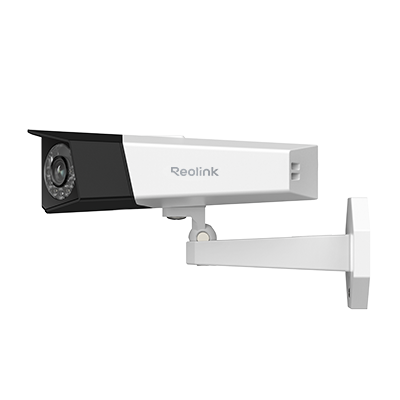 Duo Series P730 ×1
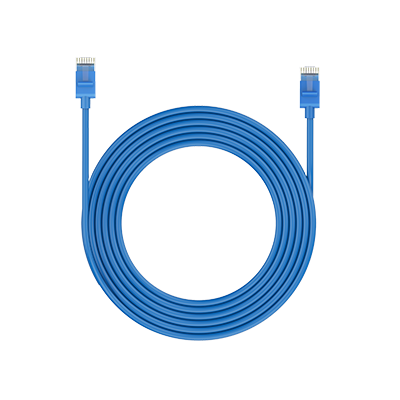 1m Network Cable ×1
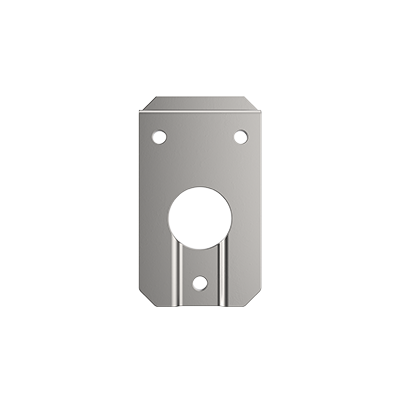 Mounting Plate ×1